Swapping Engines Mid-Flight: A Field-Tested Playbook for Modernizing Aging Server Rooms Without a Single Minute of Downtime

Photo by Photo by Taylor Vick on Unsplash on Unsplash
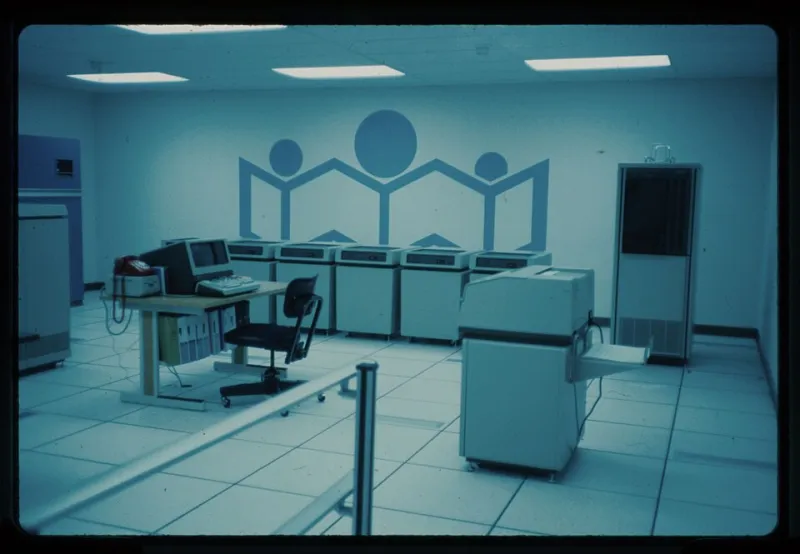
Every mid-market IT team eventually inherits one: a server room with mismatched racks, a switch daisy-chained with unlabeled cables, and a hypervisor host old enough to vote. The hardware is out of warranty, the vendor is gone, and the business cannot tolerate downtime because — as leadership never tires of pointing out — "everything runs on it." Rebuilding that environment into a modern hybrid setup while keeping every service online is one of the most demanding projects an infrastructure team will undertake. What follows is a playbook assembled from successful migrations across healthcare, manufacturing, and professional services environments.
Phase Zero: Inventory Before Anything Else
The single most common cause of migration failure is discovering, mid-cutover, a server nobody documented. Before touching a single cable, build a complete inventory: every workload, its dependencies, its data flows, its backup schedule, and — critically — who owns it. Dependency mapping tools and even a week of NetFlow sampling will reveal communication paths that institutional memory has forgotten. In one manufacturing migration, inventory revealed a "decommissioned" server quietly running the plant's label-printing queue. That discovery cost an afternoon; not making it would have cost a production line.
Sequence by Blast Radius, Not by Convenience
The temptation is to migrate whatever is easiest first. Resist it. Instead, sequence workloads by blast radius — start with low-risk, low-dependency systems to build team confidence and refine runbooks, then progress toward the crown jewels. A proven pattern:
- Non-critical auxiliary systems — test environments, internal wikis, legacy file shares slated for archival.
- Stateless services — web frontends, application servers that can be rebuilt rather than migrated.
- Stateful but redundant systems — databases with existing replicas, where a new replica can be built on modern infrastructure and promoted.
- The last systems standing — domain controllers, core authentication, anything everything else depends on. These go last, after the new environment has proven itself under real load.
Rollback Planning Is the Whole Game
A migration without a rollback plan is a hope, not a project. Every migration wave should have a defined rollback window, a documented procedure, and a go/no-go checkpoint. The most effective technique is parallel running: keep the legacy system intact and synchronized while the new one proves itself, and only decommission the old environment after an agreed soak period — typically two to four weeks for stateful systems. Virtualized workloads make this straightforward: replicate, test on the target, cut over, and retain the source VM powered off until the soak period closes.
Budget Tiering: Not Everything Needs to Be New
Mid-market budgets rarely fund a clean-slate rebuild. Tier the spending:
- Tier 1 — Replace: aging hosts, out-of-warranty storage, and anything with a known hardware fault. This is non-negotiable spend.
- Tier 2 — Refactor: workloads that should move to cloud IaaS or SaaS during the migration, eliminating hardware costs entirely. Migrating is the cheapest moment to relocate; don't lift-and-shift what should be retired.
- Tier 3 — Reuse: serviceable rack hardware, UPS units, and structured cabling can often survive a generation. Buy new where it matters and spend the savings on the migration labor and the parallel-run window.
Lessons From the Field
Three hard-won lessons recur across nearly every successful migration. First, over-communicate: the departments affected by a Saturday cutover should hear about it three times, not once. Second, document as you go — the migration itself produces the runbooks the new environment will need, and teams that skip this pay for it during the first incident. Third, schedule recovery time: migration projects run on overtime, and burned-out engineers make cut-over mistakes that no rollback plan can fix.
Done well, a legacy server room rebuild is invisible to the business — services simply keep running on better foundations. That invisibility is the metric of success. Plan accordingly.